
Minimal Web Viewer
The HOOPS Web Platform uses HOOPS Exchange for CAD data access and HOOPS Visualize for Web (formerly HOOPS Communicator) for 3D web visualization.
Overview
With just a few lines of HTML, a developer can add 3D content to any website.
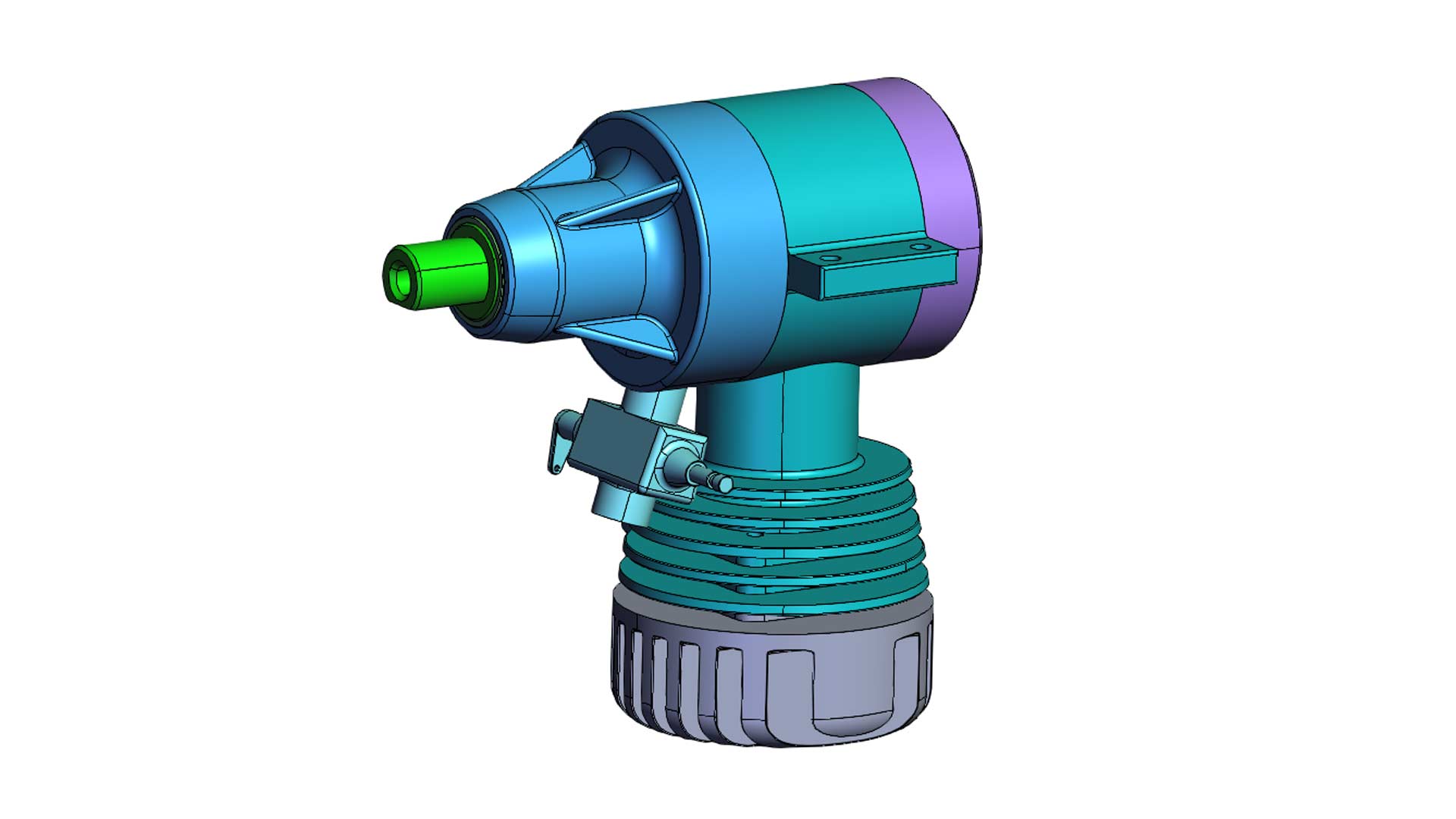
Here's a minimal implementation of 3D data being loaded into the HOOPS Web Viewer and an explanation of how it's done.
How It Was Implemented
The HOOPS Visualize Web Viewer is imported in a script tag. The Web Viewer is created with two arguments. The endpointUri shows where to load 3D data from. The containerId is an HTML element id where the Web Viewer should render to. The Web Viewer is started, and that's all there is to it.
Where did the data come from? HOOPS Visualize's CAD Converter, which relies on HOOPS Exchange to quickly read CAD files, converted a CATIA V5 CAD assembly into a lightweight, streamable SCS file. The SCS file is saved to a public AWS S3 bucket for easy access.
Try It For Yourself
For a deeper look at this implementation and how to extend it, see the building a basic application guide for HOOPS Visualize for Web.
It introduces the core concepts of developing a web application with HOOPS Visualize. By the end, you’ll have a solid foundation to start integrating it into your own projects.

Questions or Feedback?
We are looking for feedback and how this toolkit can be improved to meet your needs! Please connect in our forum.
You can also sign-up for a 60-day trial of the HOOPS Web Platform.
Need to contact us? Email us at labs@techsoft3d.com.