Four Models Demo
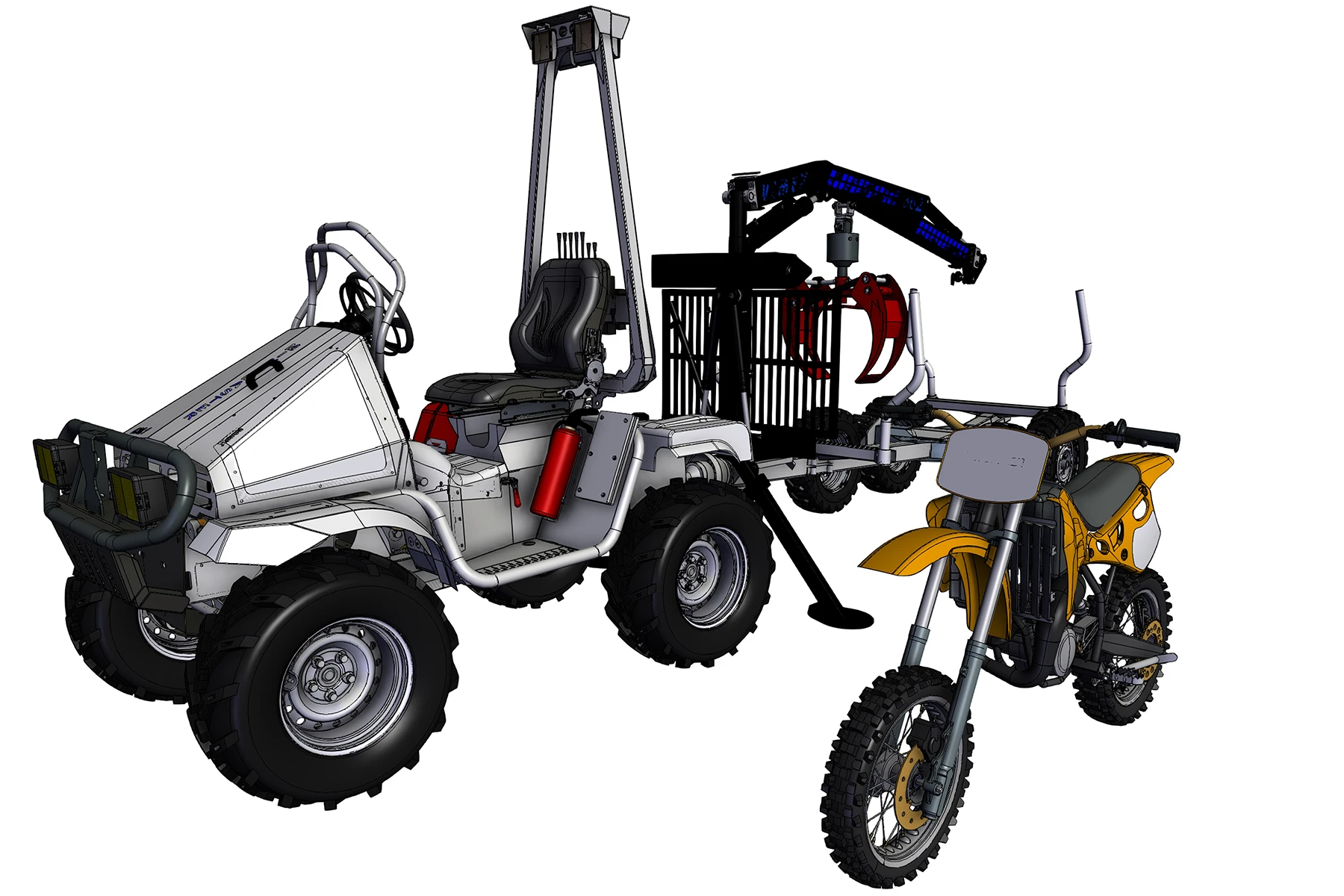
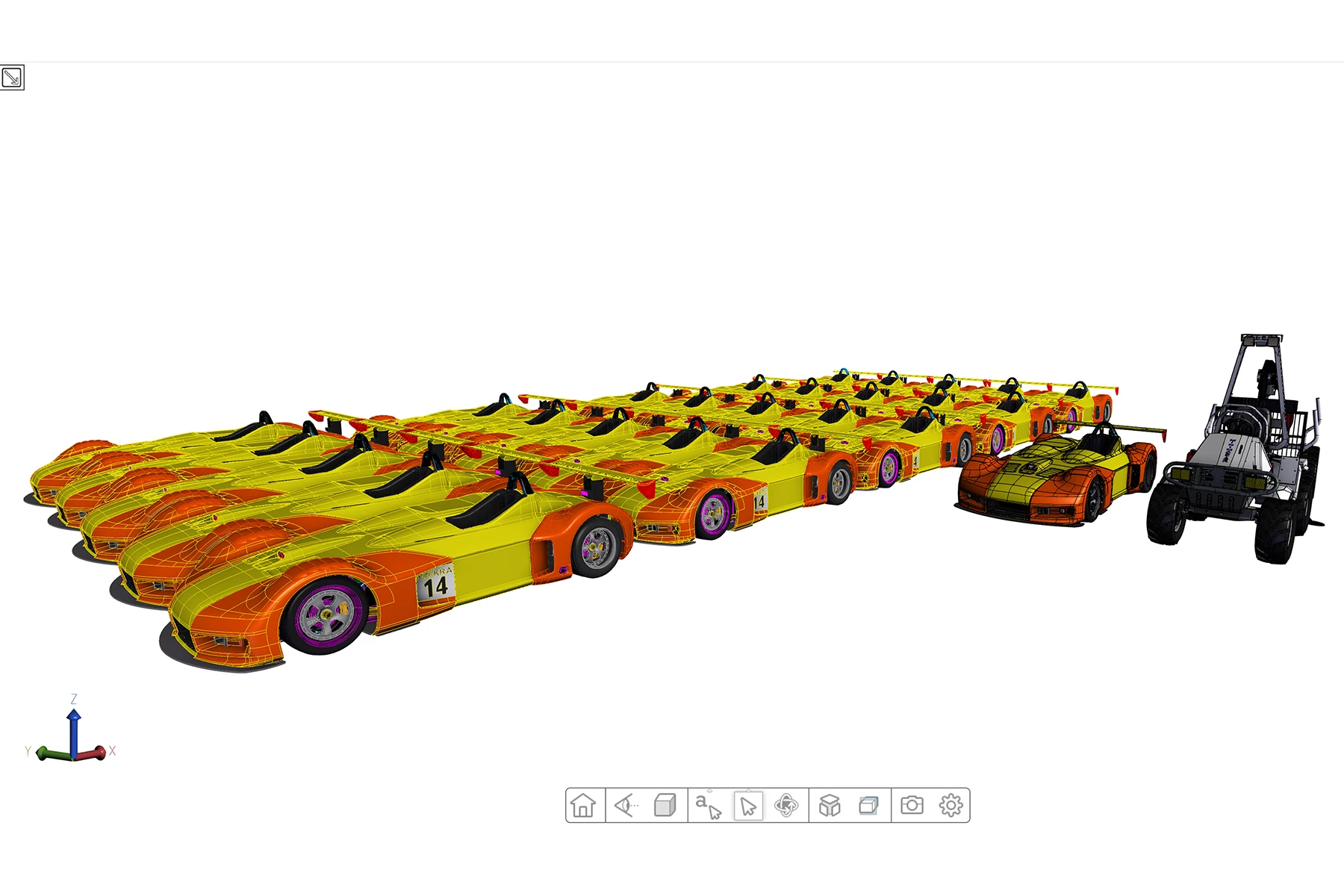
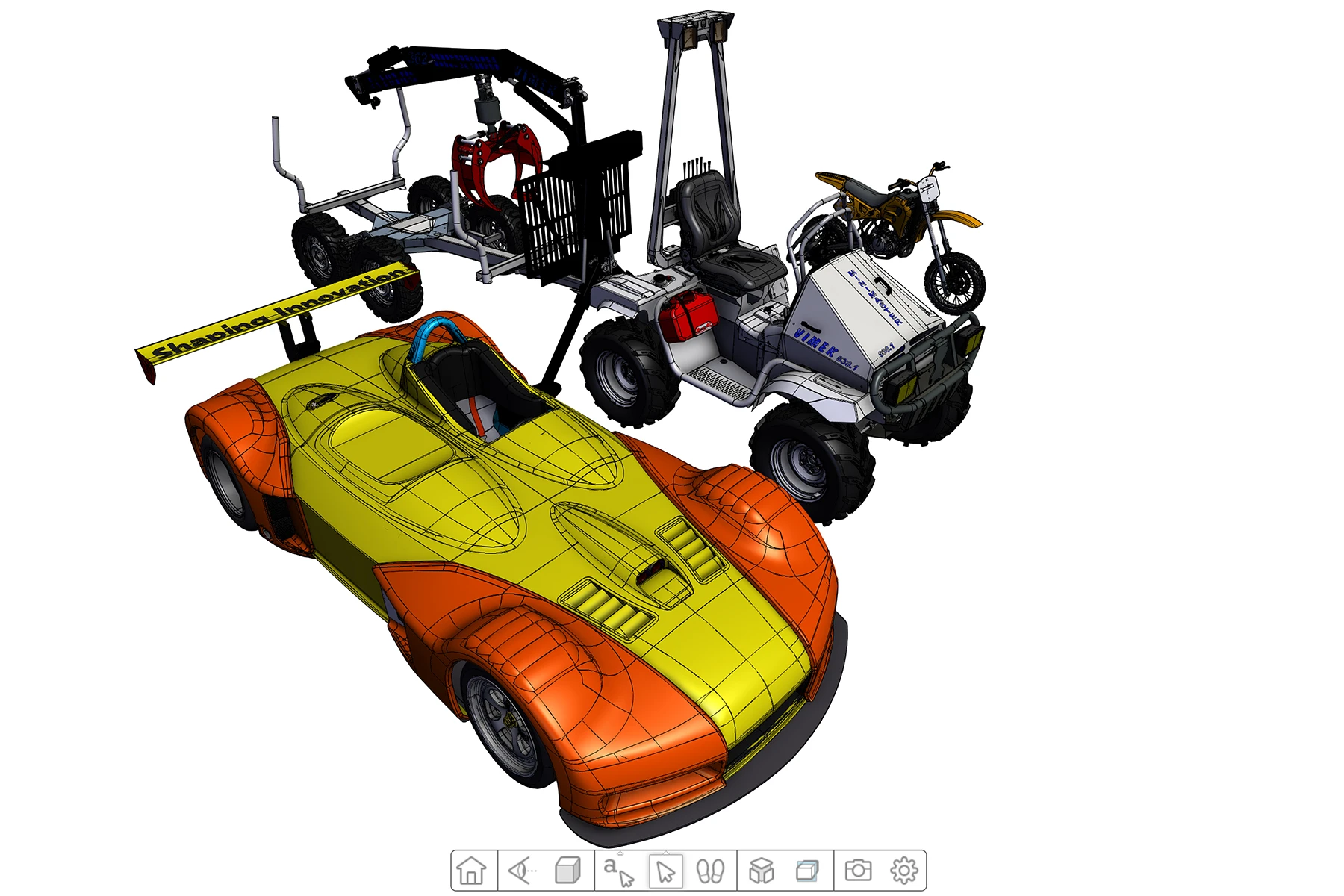
This HOOPS Visualize for Web (formerly HOOPS Communicator) based demo shows how multiple models can be loaded on demand within the same scene.
Overview
This demo showcases how the HOOPS Web Viewer can be used to load and display additional CAD data into a scene quickly and efficiently. In this demo, nothing is loaded into the scene until the user requests for the model to be shown. This behavior differs from the OnDemand loading feature which is shown in our Cement Plant Demo. Unlike the Cement Plant Demo, all models loaded into this scene are completely independent of one another and go through no preloading sequences.
When starting this demo, the scene will appear blank until you hover over the Models dropdown. From there you can add different models into the scene.
How It Was Implemented
Initialize the WebViewer
Start the WebViewer
Load requested model using viewer.getModel().loadSubtreeFromModel
How to Use (Demo Walkthrough Video)
Explore HOOPS Visualise for Web
This demo was created using HOOPS Visualize for Web (formerly HOOPS Communicator).
Reference the HOOPS Visualize for Web (formerly HOOPS Communicator) Documentation.
Sign up for a free evaluation.
Jump straight into coding with the 3D Sandbox
Join our Community Forum
Questions or Feedback?
We are looking for feedback and how this toolkit can be improved to meet your needs! Please connect in our forum.
You can also sign-up for a 60-day trial of the HOOPS Web Platform.

Need to contact us? Email us at labs@techsoft3d.com.
Gallery