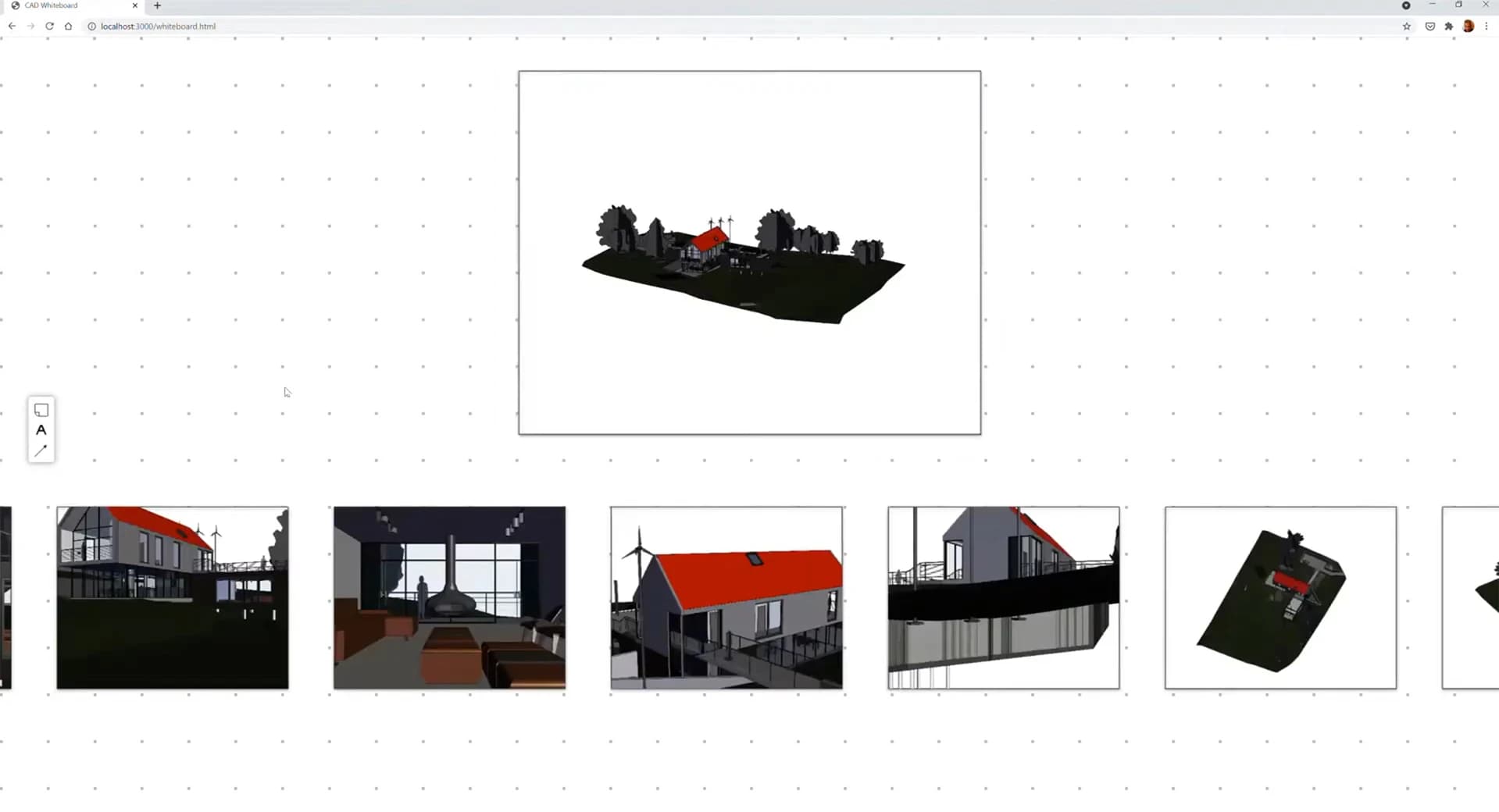
Digital Whiteboard Demo
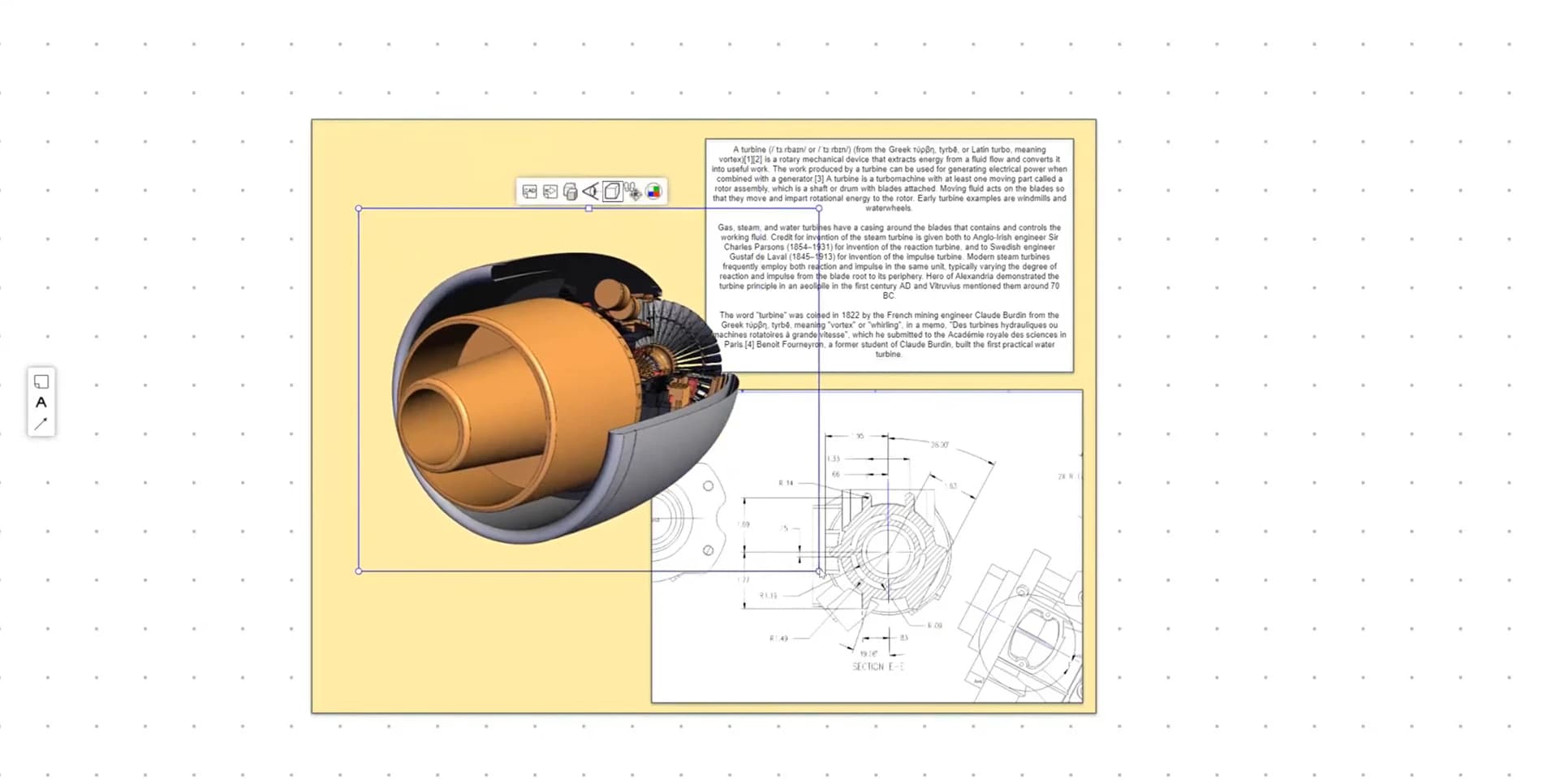
This demo combines the concept of a 2D Digital Whiteboard with 3D, allowing the user to place actual mechanical or architectural CAD data alongside text, images, PDFs, and other elements.
Overview
Digital Whiteboards are used more and more in many companies to sketch out ideas and aid in collaboration, particularly for teams scattered in different locations. They have become even more relevant as the global pandemic has forced many employees to work remotely. This demo combines the concept of a 2D Digital Whiteboard with 3D, allowing the user to place actual mechanical or architectural CAD data alongside text, images, PDF’s, and other elements.
Technical Details
The demo uses the HOOPS Exchange and HOOPS Visualize to import and render complex 3D models and an HTML canvas element to display the Whiteboard itself. When a given model is deactivated, it is turned into a canvas image. This conserves resources as only one 3D Web Viewer is active at a time. Each 3D Model is cached on the client, ensuring that once a model is loaded, it reactivates quickly.
For simplicity, this demo has no backend. All elements, including the 3D models, are loaded via HTML requests. A backend could be easily implemented to allow for multi-user interaction and saving and loading whiteboard configurations.
Learn more about HOOPS Visualize for Web (formerly HOOPS Communicator)
Reference the HOOPS Visualize for Web (formerly HOOPS Communicator) Documentation.
Sign up for a free evaluation.
Jump straight into coding with the 3D Sandbox
Join our Community Forum
Questions or Feedback?
We are looking for feedback and how this toolkit can be improved to meet your needs! Please connect in our forum.
You can also sign up for a 60-day trial of HOOPS Visualize.

Need to contact us? Email us at labs@techsoft3d.com.
Gallery